 English
English
English
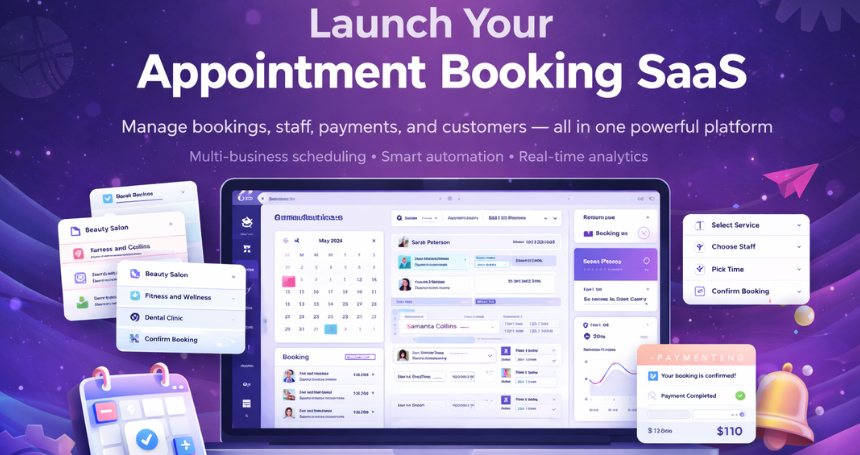
Multi‑business appointment booking and scheduling platform built for service‑based businesses to manage bookings, services, staff availability, and customers from one centralized system. It enables businesses to provide a smooth online booking experience while maintaining full control over daily scheduling operations across multiple locations or businesses.
With support for service and staff management, online payments, automated notifications, calendar synchronization, and reporting, it helps reduce manual work and improve efficiency. Features like multi‑language support, AI integration, cloud storage compatibility, and a scalable architecture make it ideal for businesses looking to simplify appointment management and grow confidently.
Built for Scalable Booking Operations
A reliable foundation for building professional, high‑performance booking systems.
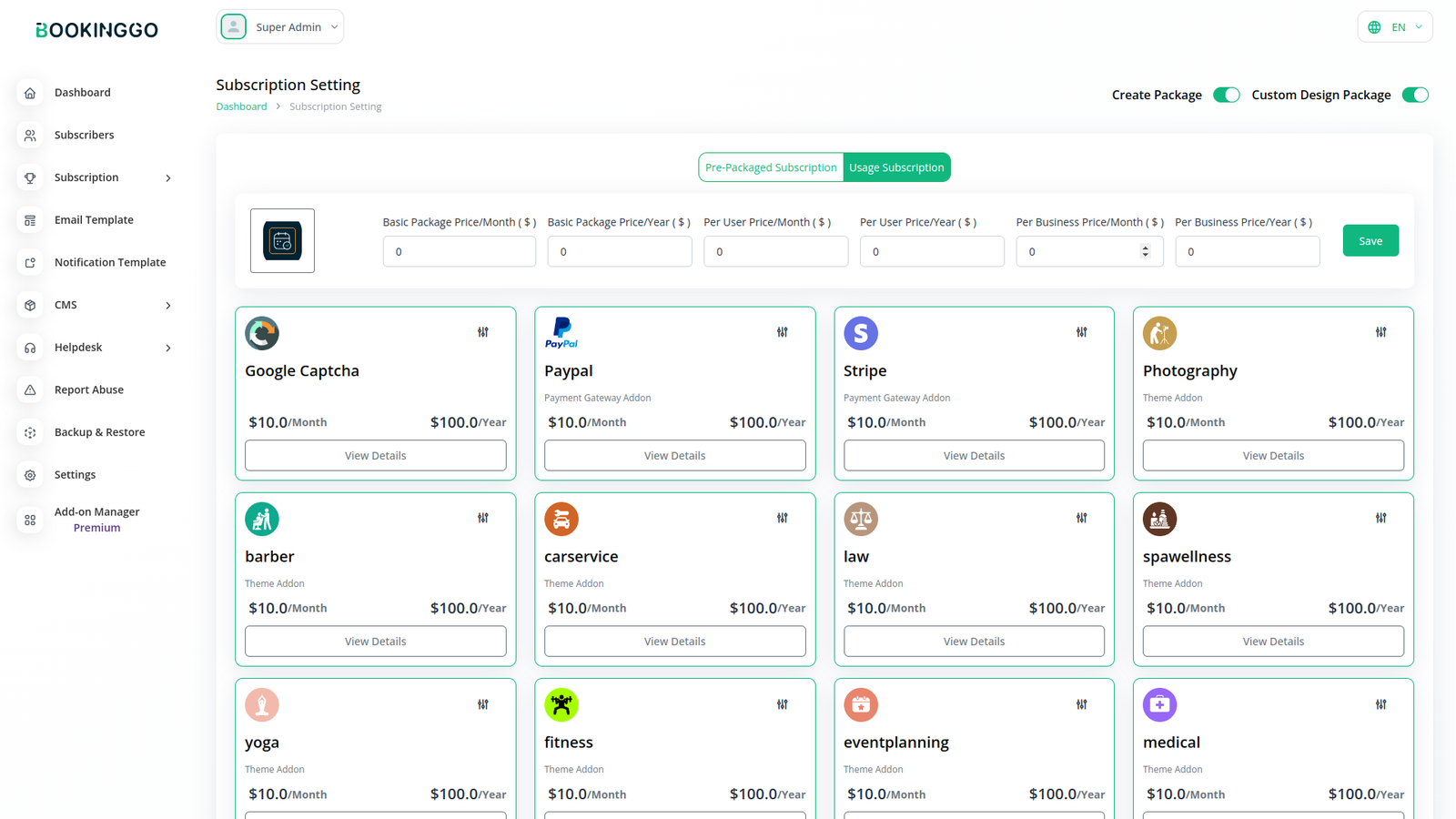
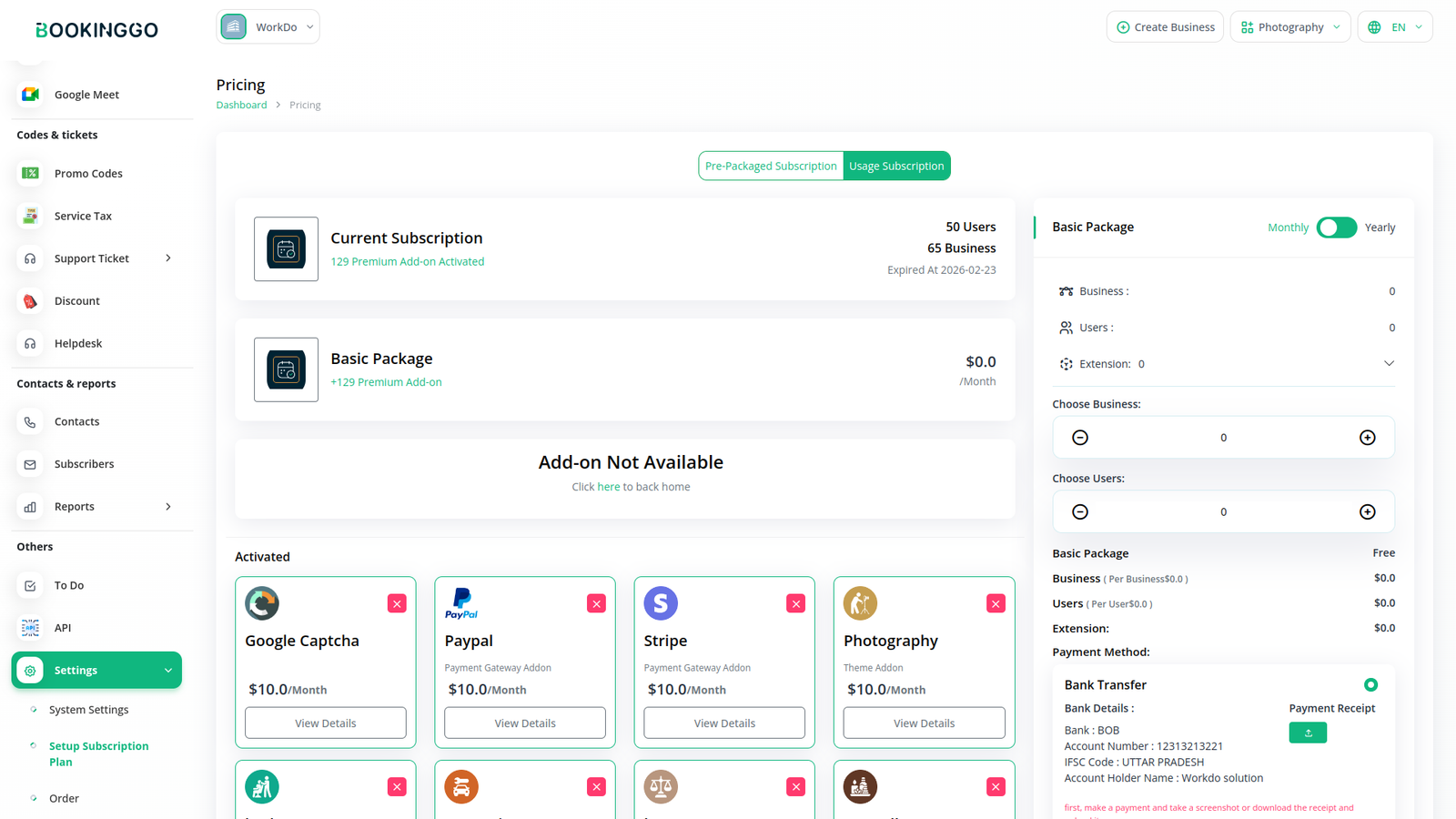
includes a large ecosystem of premium Add‑Ons that allow you to extend the platform without modifying the core system.
Why Add‑Ons Matter
Each add‑on integrates seamlessly with the self‑hosted BookingGo SaaS platform, allowing gradual expansion as your business grows.
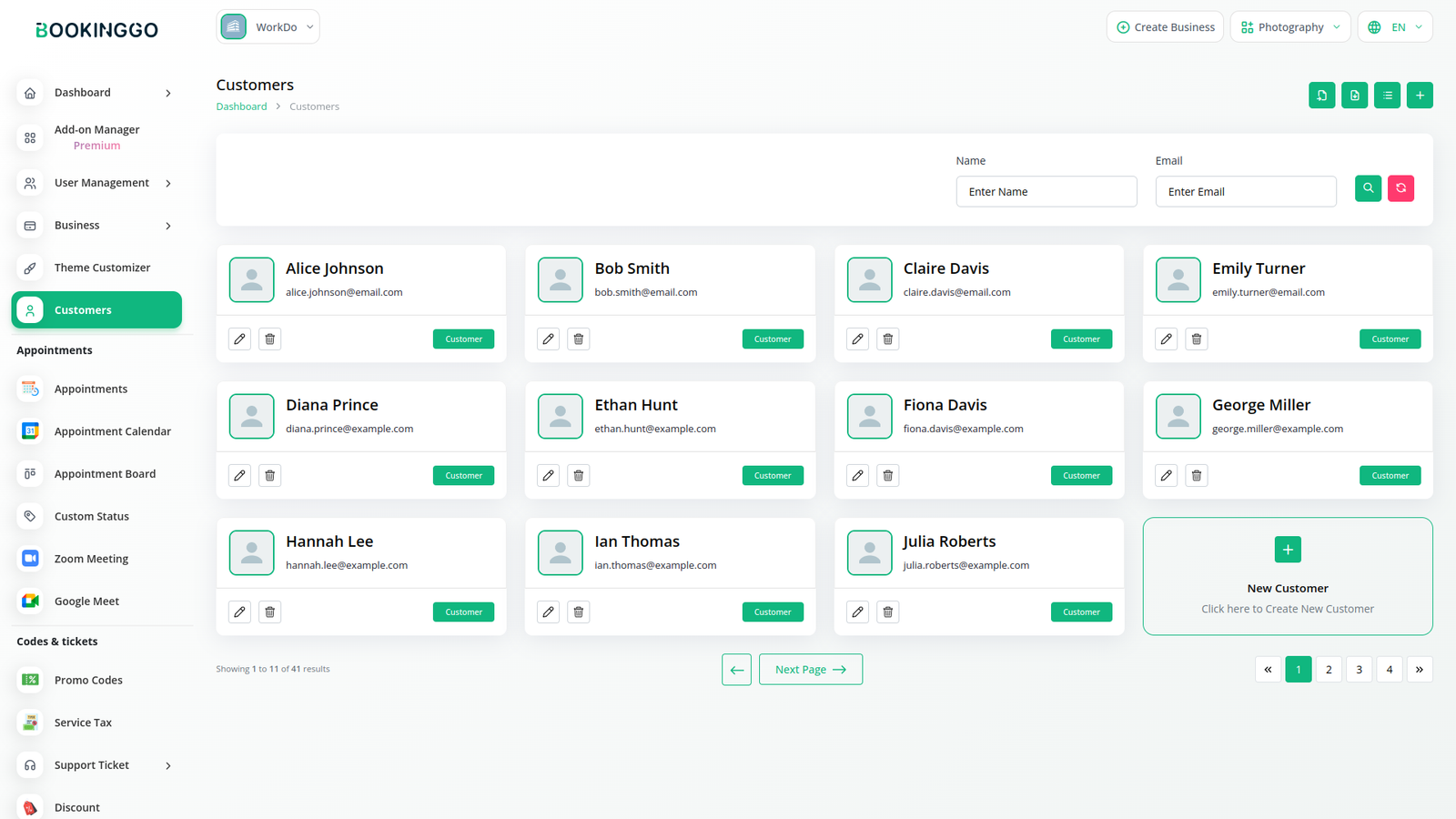
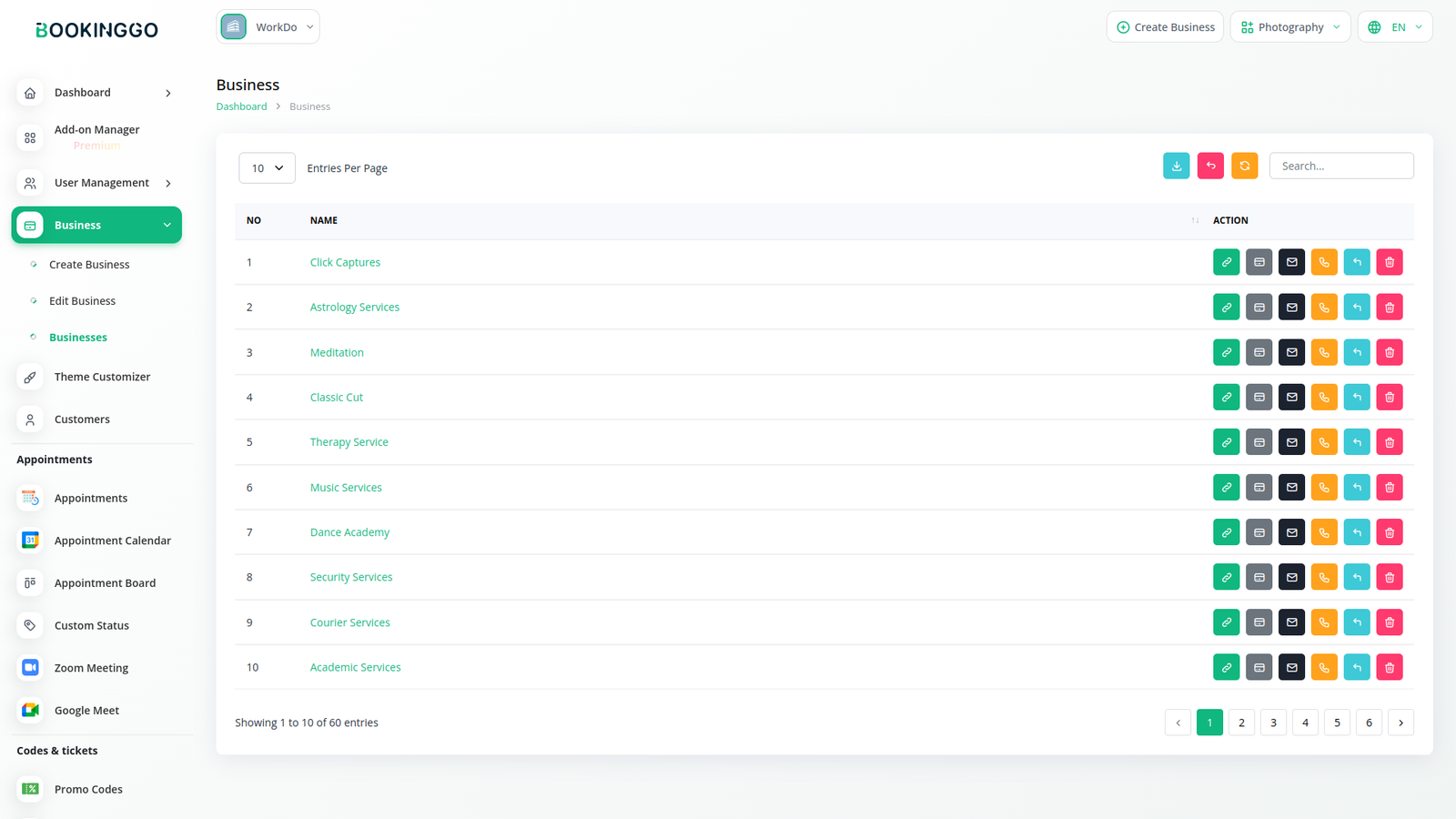
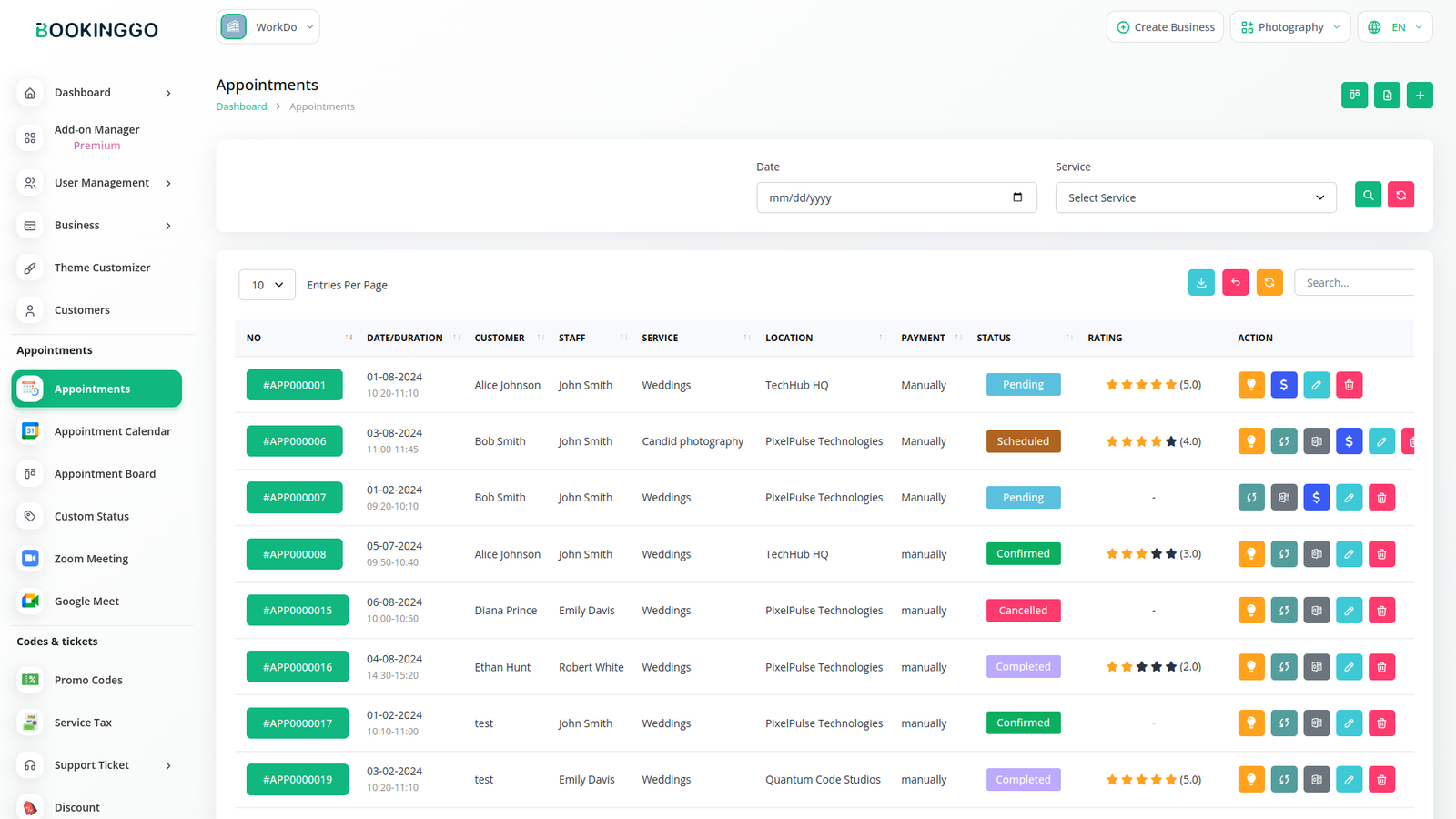
Business, Service & Customer Management
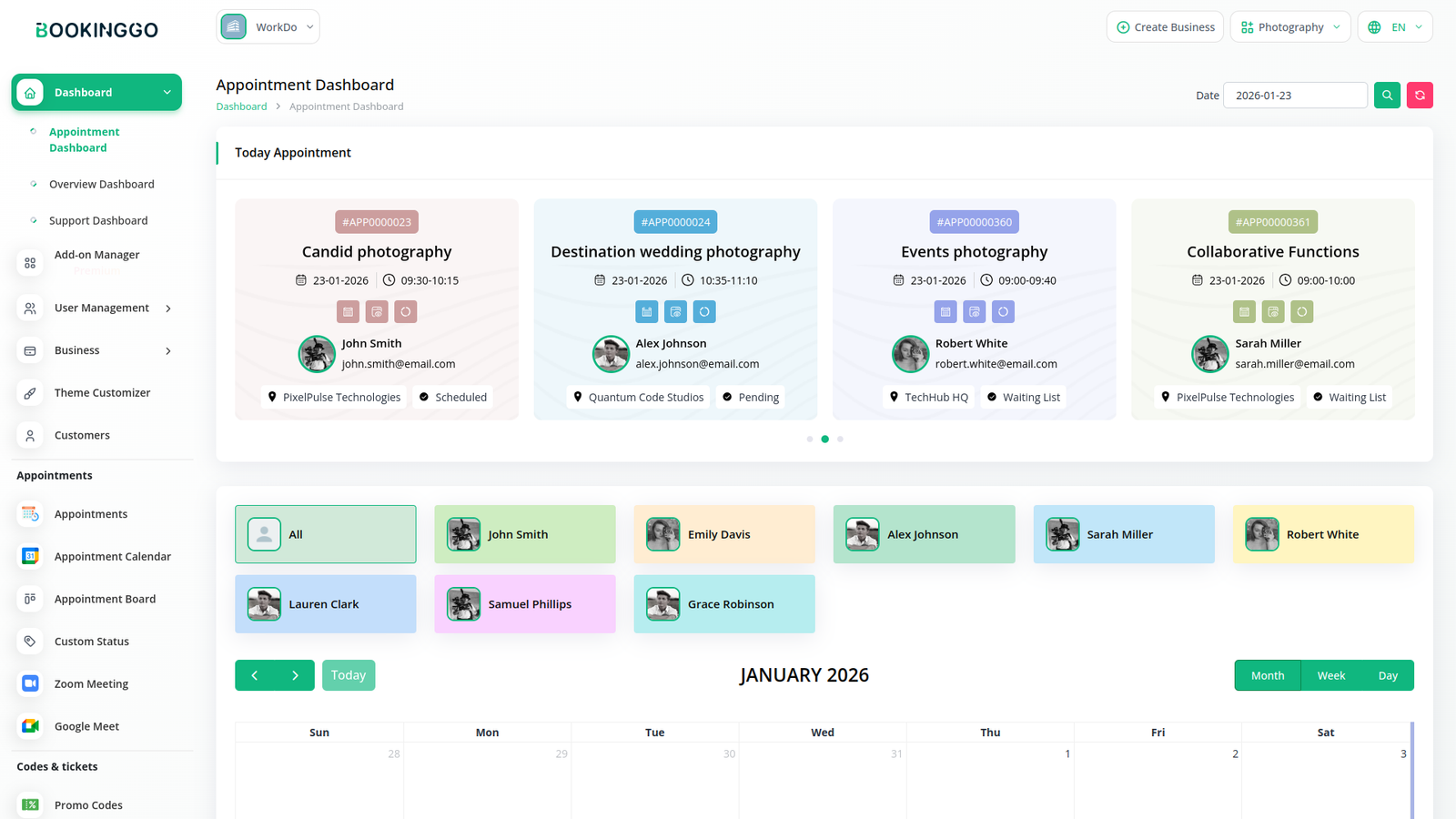
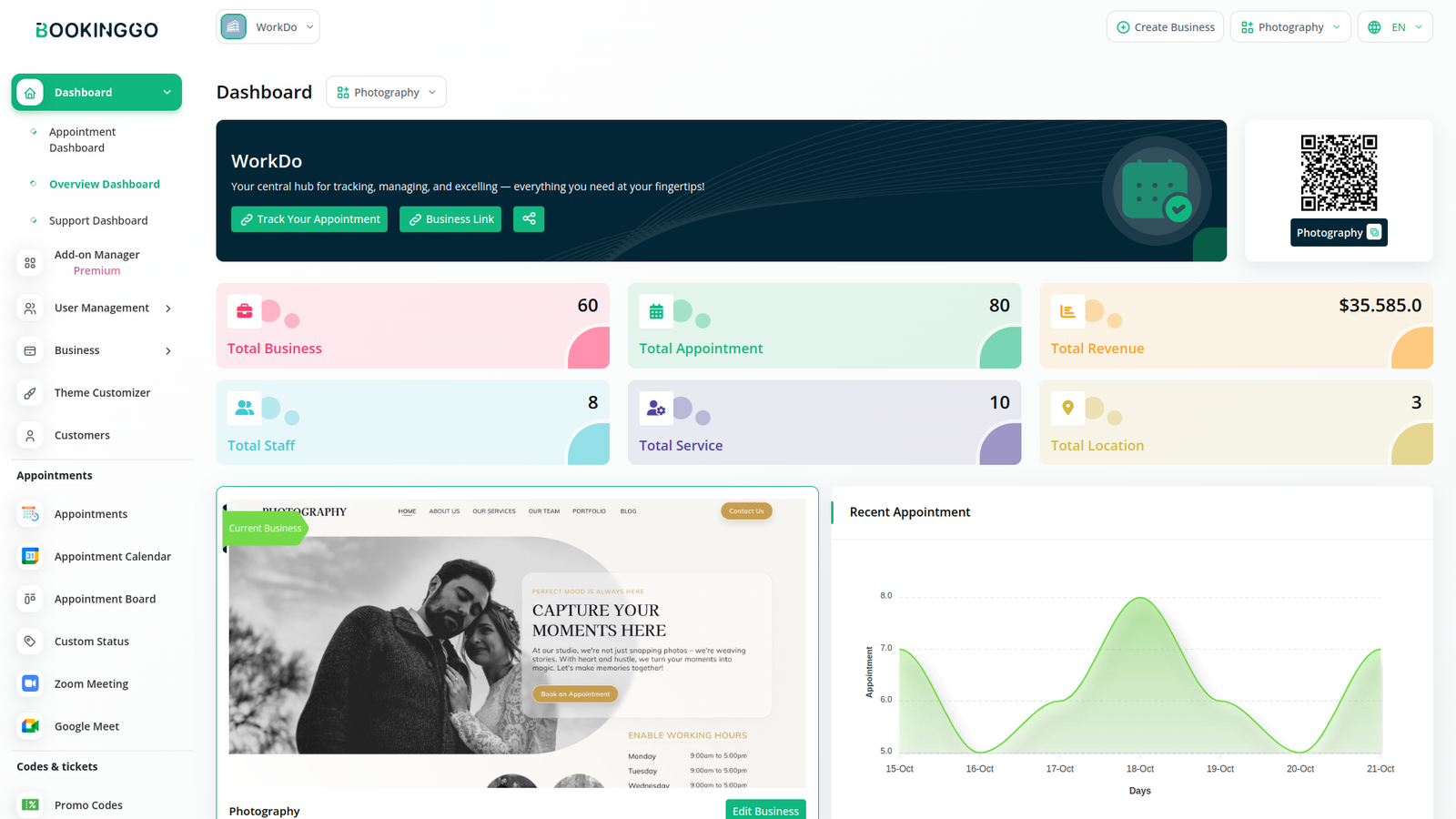
Offers a centralized control panel for managing every aspect of your booking operations.
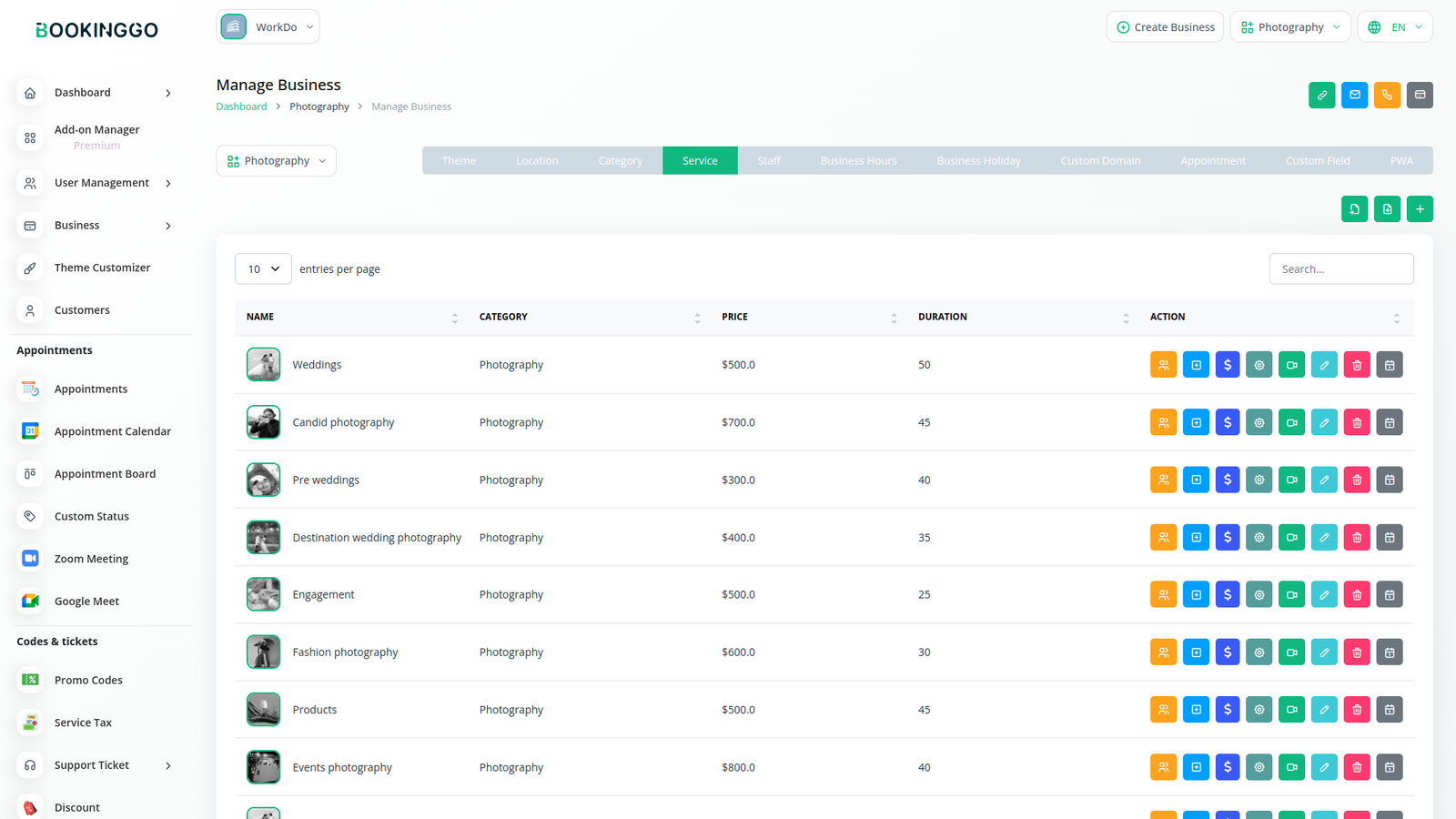
Advanced Service Configuration
Enables deep service customization to match real‑world business needs.
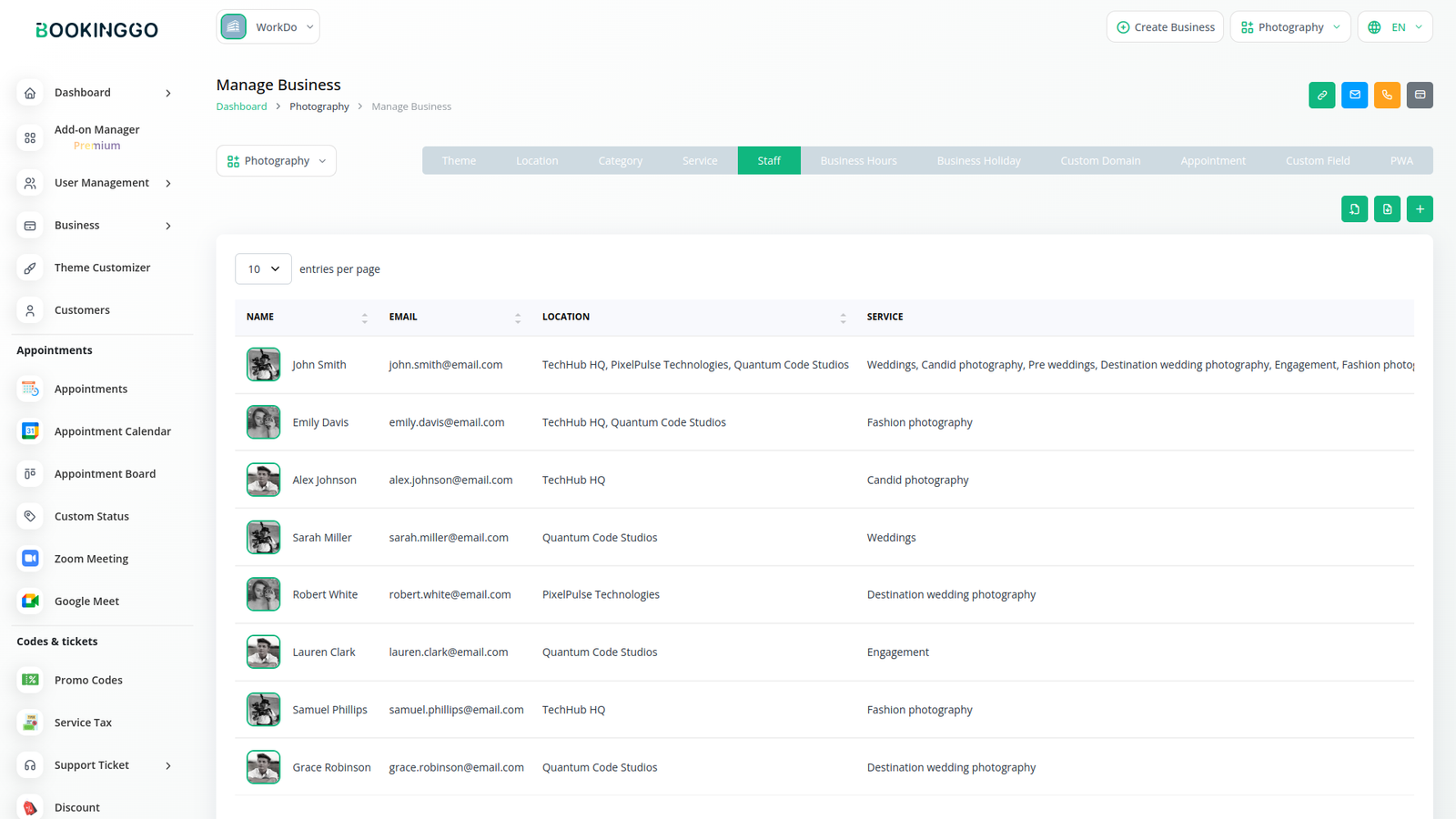
Staff & Availability Management
Manage teams efficiently with flexible scheduling tools.
Customer Booking Experience
Delivers a smooth and intuitive front‑end booking journey.
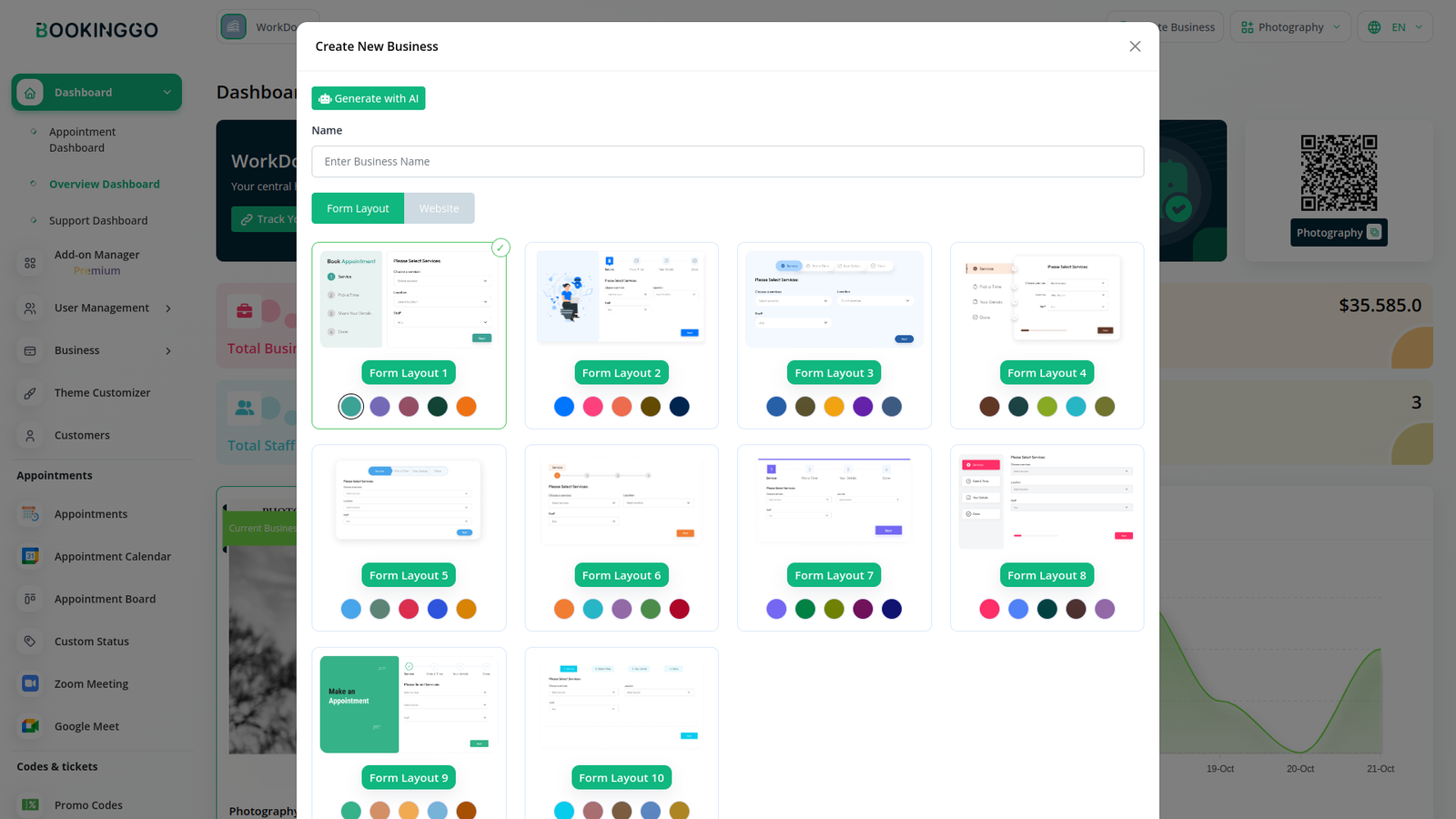
Offers a simple, guided booking flow that allows customers to schedule appointments quickly and confidently
Step 1: Start Booking
Customers begin by clicking the “Book an Appointment” button, which opens the service selection page.
Step 2: Choose Service, Location & Staff
Customers select a service, choose a location, and optionally pick a preferred staff member. Team bookings and calendar sync via iCal exports are also supported.
Step 3: Select Date & Time
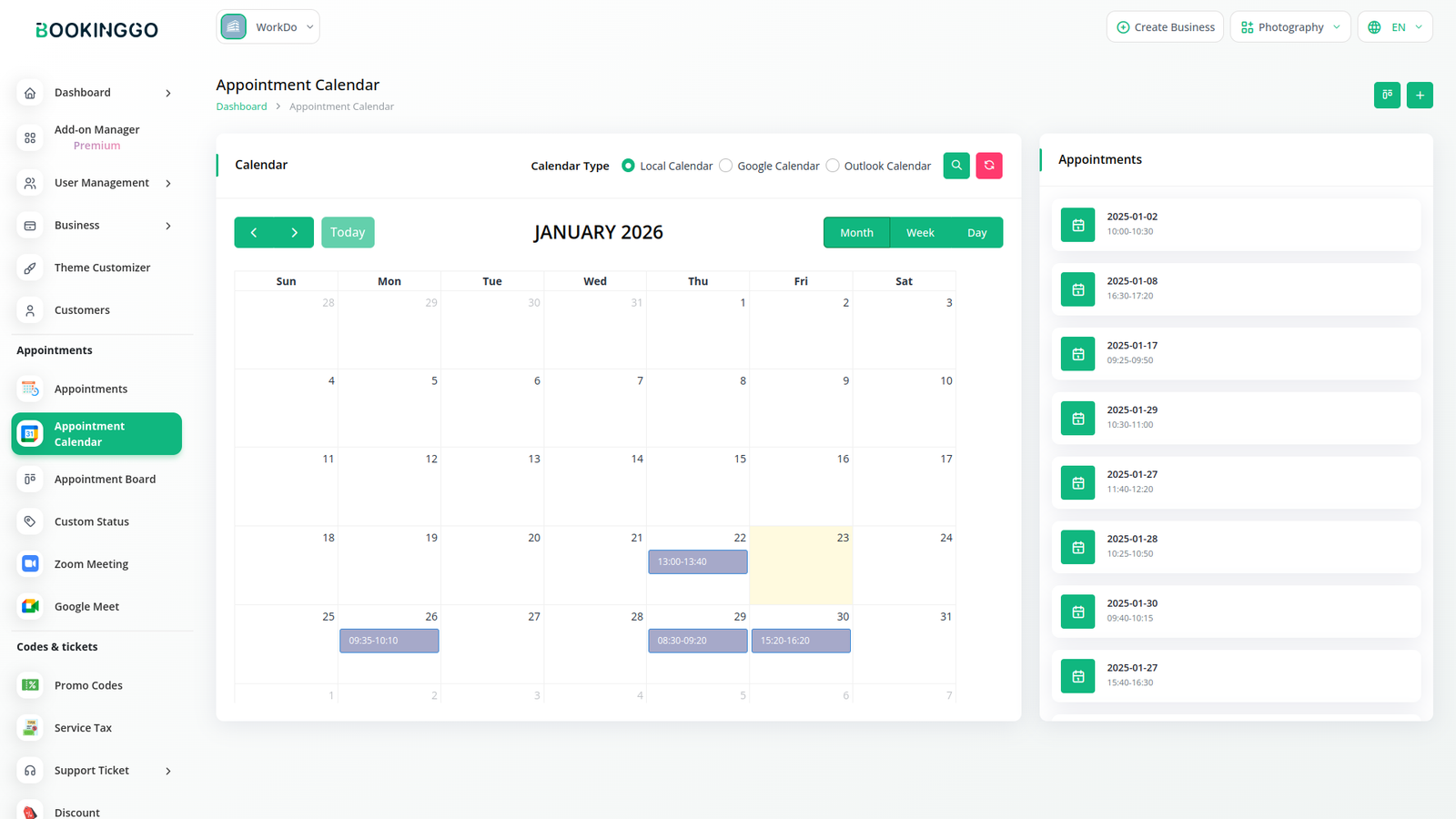
Available time slots are displayed through an interactive calendar, ensuring accurate and conflict‑free scheduling.
Step 4: Enter Booking Details
Customers provide basic contact details, with support for additional custom fields, virtual meetings, and abuse reporting
Step 5: Confirm & Complete Payment
Customers complete payment using their preferred method and instantly receive appointment confirmation. Repeat bookings are also supported.
Keep schedules perfectly aligned across platforms.
Make data‑driven decisions with powerful insights.
Communicate with customers and teams across multiple platforms.
Automate workflows and connect with external systems.